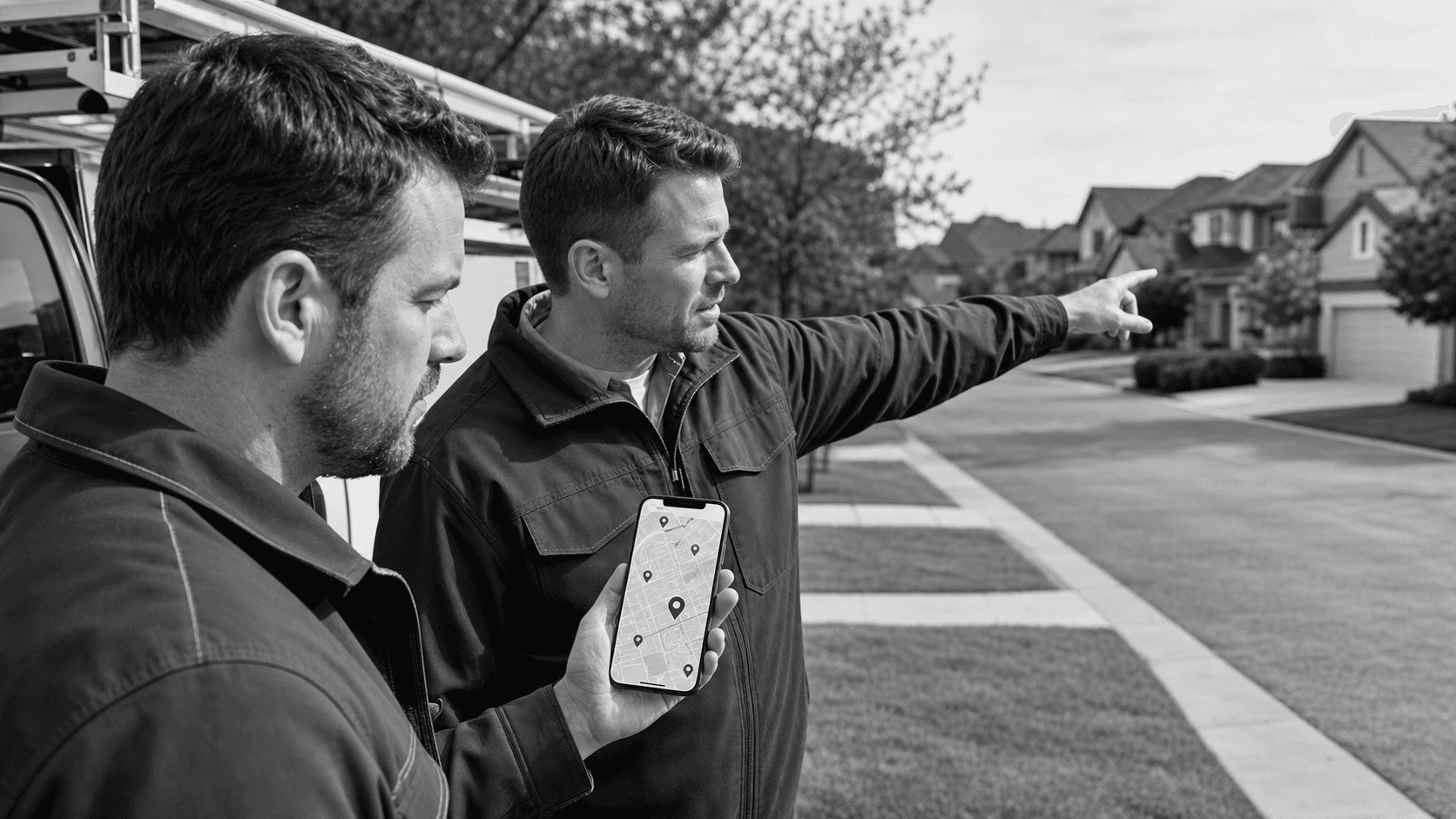
Turn Local Google Ads Clicks Into Real-World Revenue
Local Google Ads can send a steady stream of people to your business, but only if the clicks turn into real actions. The problem for many local owners is simple: the ads work, the landing pages do not. People tap an ad, land on a generic page, get confused, and bounce.
Local searchers are different from someone doing broad research. They are nearby, in the car, at work on their lunch break, or walking around in the heat, trying to decide where to go next. They want quick answers: where you are, when you are open, how to get there, and how to talk to a real person.
In this article we will walk through how to unlock profit from those local Google Ads by fixing one overlooked piece of your landing pages: the map and location section. When your map, address, and calls to action line up with local intent, every click has a cleaner path to revenue.
Why Local Intent Makes Your Ads More Valuable
When someone types "[your service] near me" or searches for a service plus their city, they are not just curious. They are usually ready to act. On a hot summer afternoon, that might mean finding the closest service provider, shop, or place to relax, not reading a long brand story.
Local Google Ads tap into that mindset. Compared to broad national campaigns, local ads benefit from:
- Proximity, people are often only a short drive away
- Mobile-first behavior, most clicks come from phones
- Urgency, they want an answer they can act on right now
A standard landing page often fails here. Common issues include:
- No map or tiny map buried at the bottom
- Confusing directions or missing landmarks
- Generic calls to action that do not say what to do next
- Long "about us" text while hiding simple details like parking or entrance location
When the page does not match the local intent, the visitor gives up and taps a competitor.
Designing Landing Pages That Match Local Search Behavior
To win local traffic, the top of your landing page needs to answer the fast, practical questions first. Above the fold, without scrolling, aim to include:
- A clear click-to-call button
- Your address written in plain text
- Today's open hours, plus any special summer or holiday hours
- A visible map preview that loads quickly on mobile
From there, the layout should guide a single main action. Ask yourself: what is the one thing you want most local visitors to do?
That primary action might be:
- Call for same-day service
- Book an appointment
- Visit in person
Support that main action with secondary options like a "Get Directions" button, a simple contact form, or a text chat option if your operations support it.
Trust signals should be easy to scan, not buried. Short reviews, star ratings, and nearby landmarks help people confirm they are choosing a real, reliable business that is easy to reach.
Mobile optimization is not optional. On a hot afternoon in a busy area people are searching with one hand on the phone and the other on the steering wheel or stroller. Make sure:
- Buttons are thumb-friendly and large
- Forms ask for only what you truly need
- Images and map embeds do not slow down loading
- The map section works well on smaller screens, without awkward zooming
Turning Landing Page Maps Into Conversion Engines
A map is not just decoration. Used well, it becomes a silent salesperson that says, "Yes, we are close, and yes, getting here is simple."
An embedded map helps visitors orient themselves instantly. This matters even more for tourists or seasonal visitors who are not as familiar with your area. If you are near a major road, neighborhood, or local attraction, the map can do the explaining for you.
To make your map conversion-focused, think beyond the pin:
- Add a clear "Get Directions" button near the map
- Mention parking options, street parking, or garage access
- Note public transit stops or well-known cross streets
- Call out simple cues like "Next to the grocery store" or "Right off the main highway exit"
Then, connect those map interactions to measurable actions. You can track:
- Clicks on "Get Directions"
- Taps to call that happen near the map section
- Clicks to expand the map or view it in a separate app
These are micro-conversions that show real intent and they often predict future revenue.
Connecting Local Google Ads to Location-Based Offers
Your local Google Ads and your landing page map should feel like one continuous experience, not two separate things. If your ad mentions a certain neighborhood, city, or landmark, repeat that same reference in your headline and near the map.
For example, if a summer ad says you are "right off the highway exit," the landing page should:
- Show that exit on the map
- Repeat that phrase near the map section
- Offer a quick note about parking after that exit
Seasonal offers work well with location cues. Consider:
- Summer-only specials for people visiting nearby attractions
- Packages for tourists staying in local hotels
- Messages about extended evening hours to help people avoid the hottest part of the day
Inside Google Ads, location extensions and call extensions can reinforce the same address, phone number, and hours shown on your page. When everything matches, people feel more confident that the information is correct and current.
Measuring What Matters From Local Map Traffic
Click data alone does not tell you if local Google Ads are actually driving profit. For location-driven campaigns, pay attention to:
- Requests for driving directions
- Click-to-call actions from the header and map
- Online appointment or reservation forms
- Store visit estimates where those are available
Set up a simple tracking structure. Use clear UTM tags and separate landing pages for each location or region. That way, you can see which ads, headlines, and map setups actually lead to more calls, visits, and bookings.
Then, run a basic optimization loop:
- Test different map positions on the page
- Try new calls to action near the map, like "Get Directions In One Tap"
- Swap headlines to highlight different local cues or seasonal angles
- Keep the winners, pause the losers, and repeat
Over time, small changes in how you present your map and local details can add up to a big lift in real-world activity.
How Nsight Helps Businesses Solve This
Nsight Performance Group helps businesses solve growth bottlenecks by aligning marketing, sales, operations, and financial strategy into a scalable system. For local Google Ads and landing pages, our team focuses on turning local intent into trackable actions, not just traffic.
We work with small and mid-sized businesses to connect ad campaigns, map-driven landing pages, and the real operations behind them, so every local click has a clear path to profit. If you're looking to remove growth constraints and create predictable revenue, schedule a strategy session with our team.
Turn Local Searches Into High-Value Customers Today
If you are ready to convert nearby searchers into paying customers, we can help you build and optimize targeted local Google Ads campaigns that fit your goals and budget. At Nsight Performance Group, we focus on real performance metrics so you can see exactly how your ads are working in your market. Tell us about your business and audience, and we will map out a clear plan to improve your visibility and results. To start a conversation about your strategy and next steps, simply contact us today.